The Myriaxon harness
Inside the Myriaxon harness.
The model is the engine. The harness is everything around it: the tools, the rules, the memory and the record. This page shows what Myriaxon's harness does today, in plain words, and where it stops.
One rule runs through all of it: no pretending. When a check could not run, or a number could not be read, Myriaxon says so. It never shows a pass, or a plausible figure, in its place.
- 6model providers
- 37built-in tools
- 18connectors
- 14benchmark points
Software we build, deploy and support for you. It runs on your own machine or server and sends no usage data to us.
Agents that keep watch.
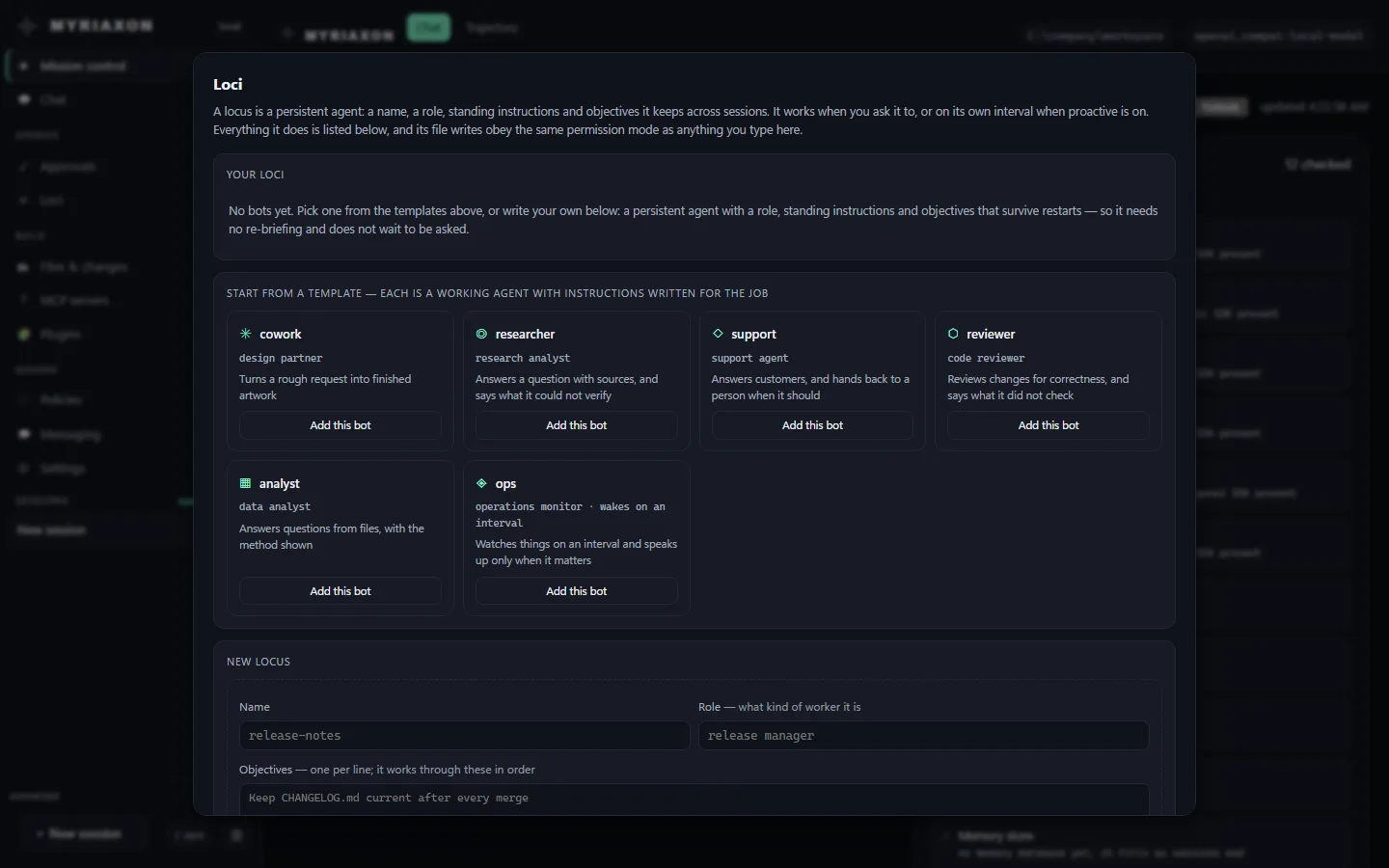
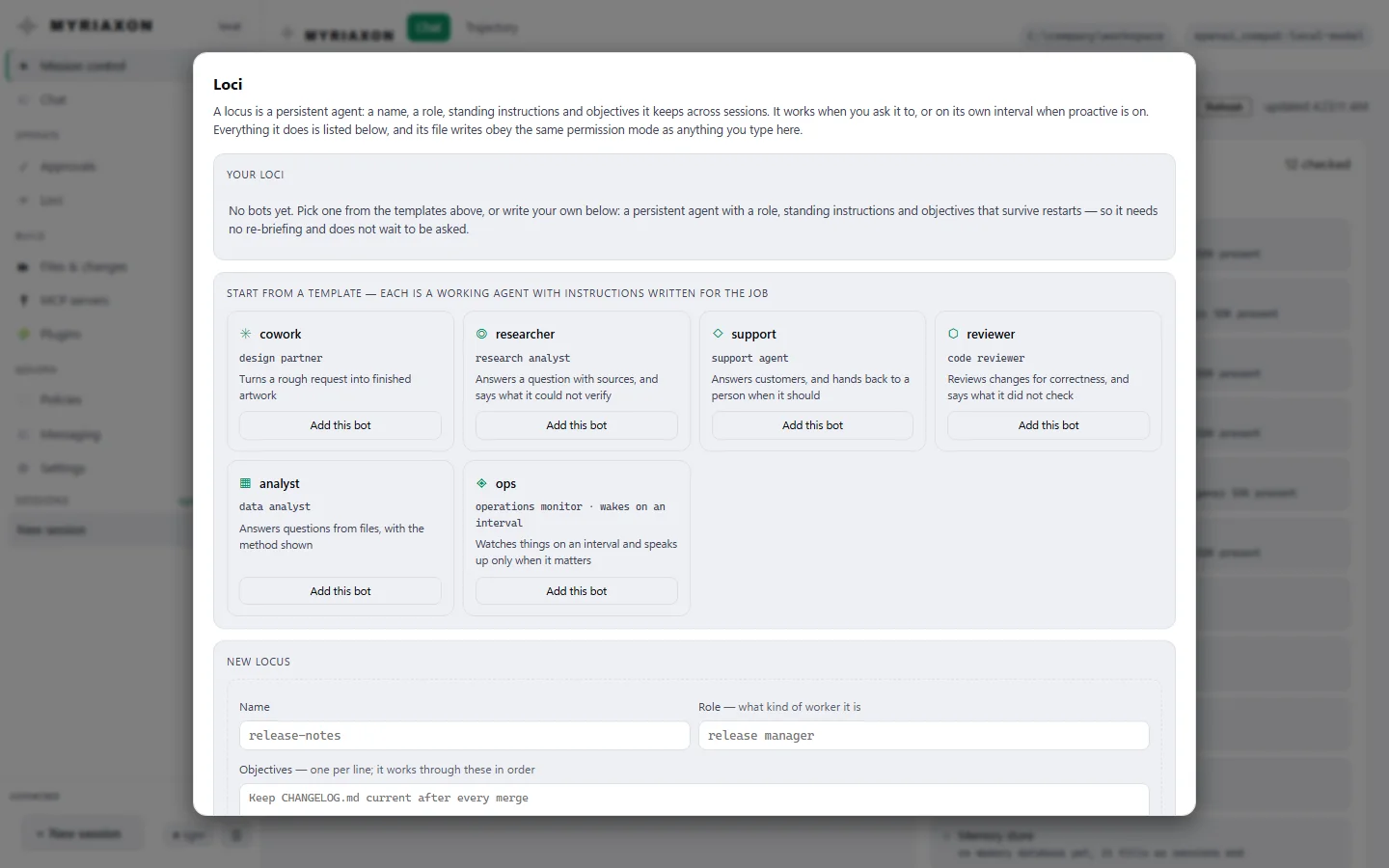
Most AI tools only act when you type. An always-on agent is a named worker with a role, standing instructions and goals. The dashboard calls them Loci. It works when you ask, or on its own schedule, and it is built to cost nothing when nothing is wrong.
It keeps its role, instructions and goals between runs, so tomorrow it carries on where it stopped today, without being briefed again.
Give it a check to run first: a command's result, a file that changed, a path that appeared or went missing. When the check says there is nothing to do, no model is called and nothing is spent. If the check itself cannot run, the agent wakes and says so, so a typo cannot quietly switch it off.
"Checked, nothing to report" is a valid answer, and it sends no message. A standing watchlist tells the agent what to look at each time.
A goal is closed by a person's instruction, or by the exact round that was started for that goal. A helper agent or an unrelated wake-up cannot declare it finished.
When a goal needs a decision only a person can make, the agent marks it blocked. It then shows under "Waiting on you" in Mission control.
After ten failed runs in a row an agent disables itself and says why. It stays off until someone re-enables it.
An always-on agent is autonomous, not privileged. Everything it does is written to its activity log, and every change it makes goes through the same permission rules as a session with a person at the keyboard. Agents work only while a Myriaxon process is running on a machine you control. It is not a hosted service.
Rules the model cannot talk its way past.
A rule that depends on the model's cooperation is only a suggestion. These are enforced by the harness, before a tool runs.
The model reads about half as much tool text.
Every tool the model can use is described to it on every request, whether or not it will need that tool. Myriaxon cuts that down.
- Start smallThe model sees 22 of the 37 built-in tools: reading, editing and searching files, running commands, the web, notes and memory, and git status.
- Ask when neededThe other 15 wait in seven small groups: background jobs, always-on agents, scheduling, notebooks, memory search, checkpoints and poster design. When the model needs one, it asks, and the group appears.
- MeasuredOn the shipped tool definitions, the list the model has to read is 49% smaller. With helper agents switched on, which adds three tools, it is 53% smaller. That is the size of the tool list, not your total bill.
Careful with code, patient with long jobs.
The parts that matter when an agent works on real files and real systems for more than a few minutes.
After the agent edits a file, Myriaxon checks the file and tells the agent what broke. The result says which check ran: a built-in syntax check, or a type checker or linter if one is installed. "No problems" never means "nothing was checked". It informs the agent. It never blocks the edit.
Start a long command and carry on. List your jobs, wait for one to finish, read its output so far, or stop it.
Fork a conversation from any point and explore a second direction. The original is left untouched.
When a long conversation is summarised to save space, what was dropped is recorded. You can list it, and recover it by its digest.
Export a run's transcript and records as Markdown or JSON, ready to review. Credentials are removed by default, and the export says what was removed.
The doctor command checks your installation. Add the fix option and it repairs what can be repaired safely, and reports what each repair touches.
Runs on your own hardware.
Mission control: an honest overview.
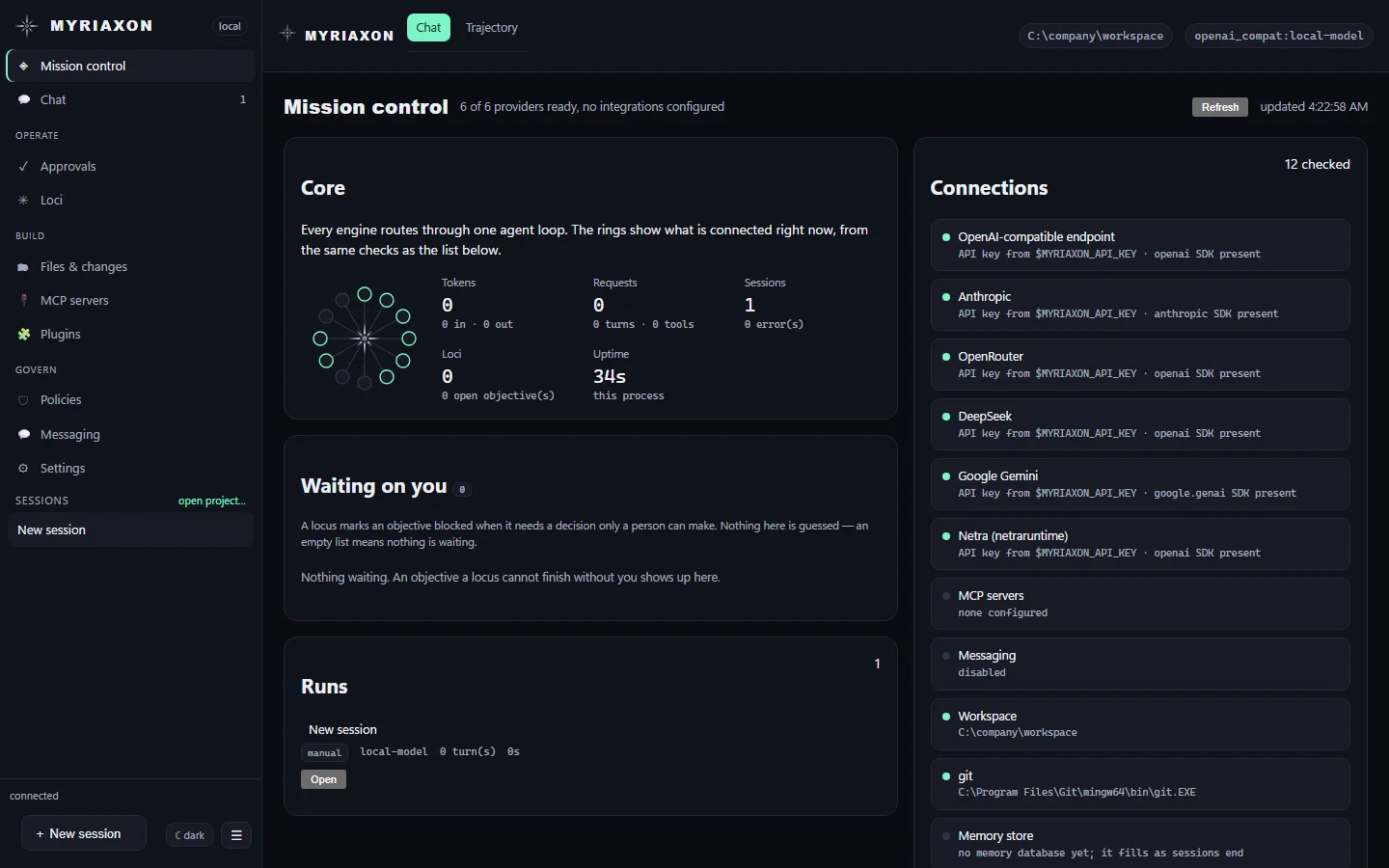
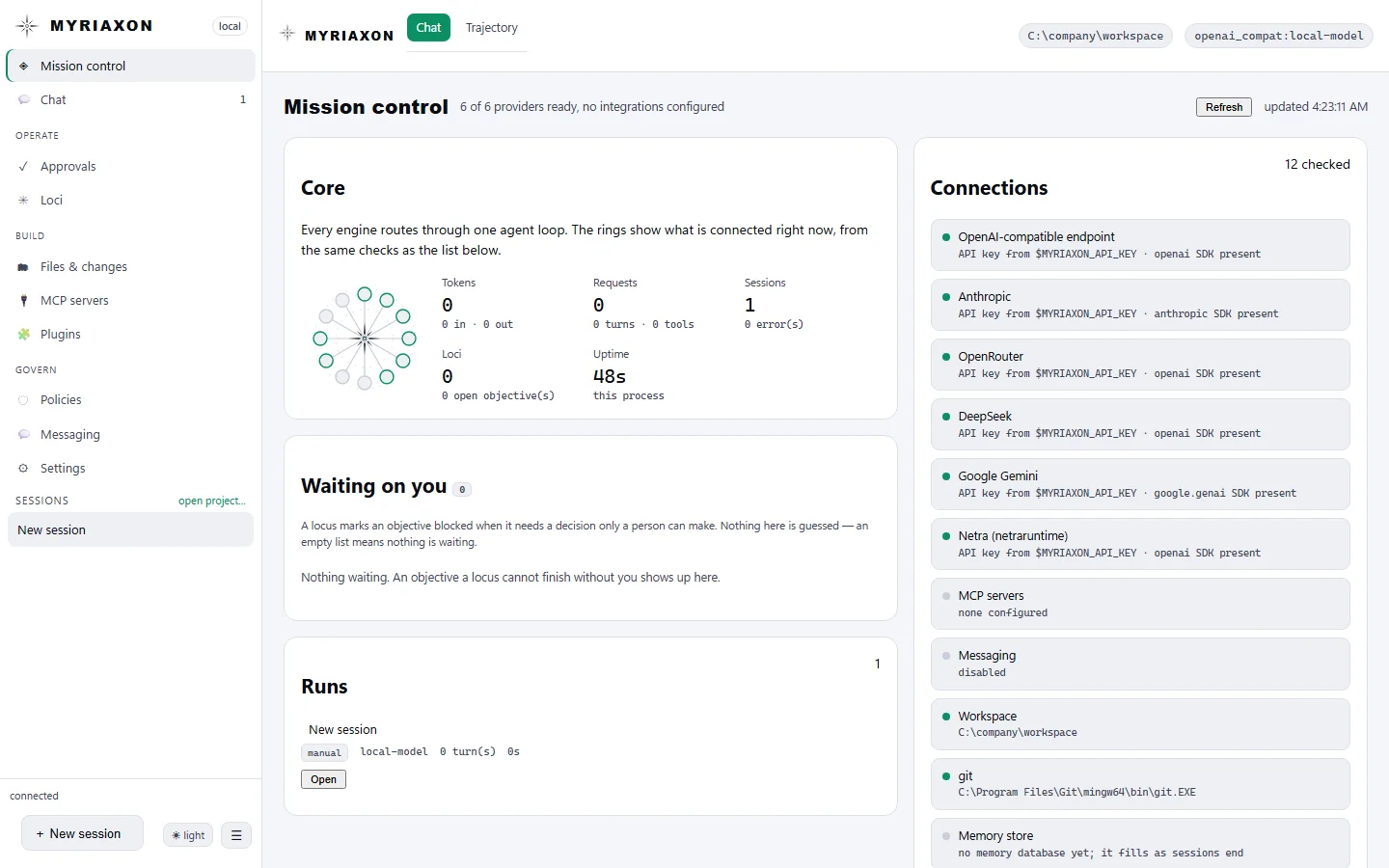
One screen for what this machine's agents are doing, as in the picture at the top of this page.
- Everything in one place. Which model providers are ready, sessions and runs, always-on agents, what is waiting on a person, and what is connected.
- Read, not estimated. Every figure comes from a real source. If a source cannot be read, the screen says why instead of showing a plausible number.
- Works offline. It makes no outside network requests.
See it.
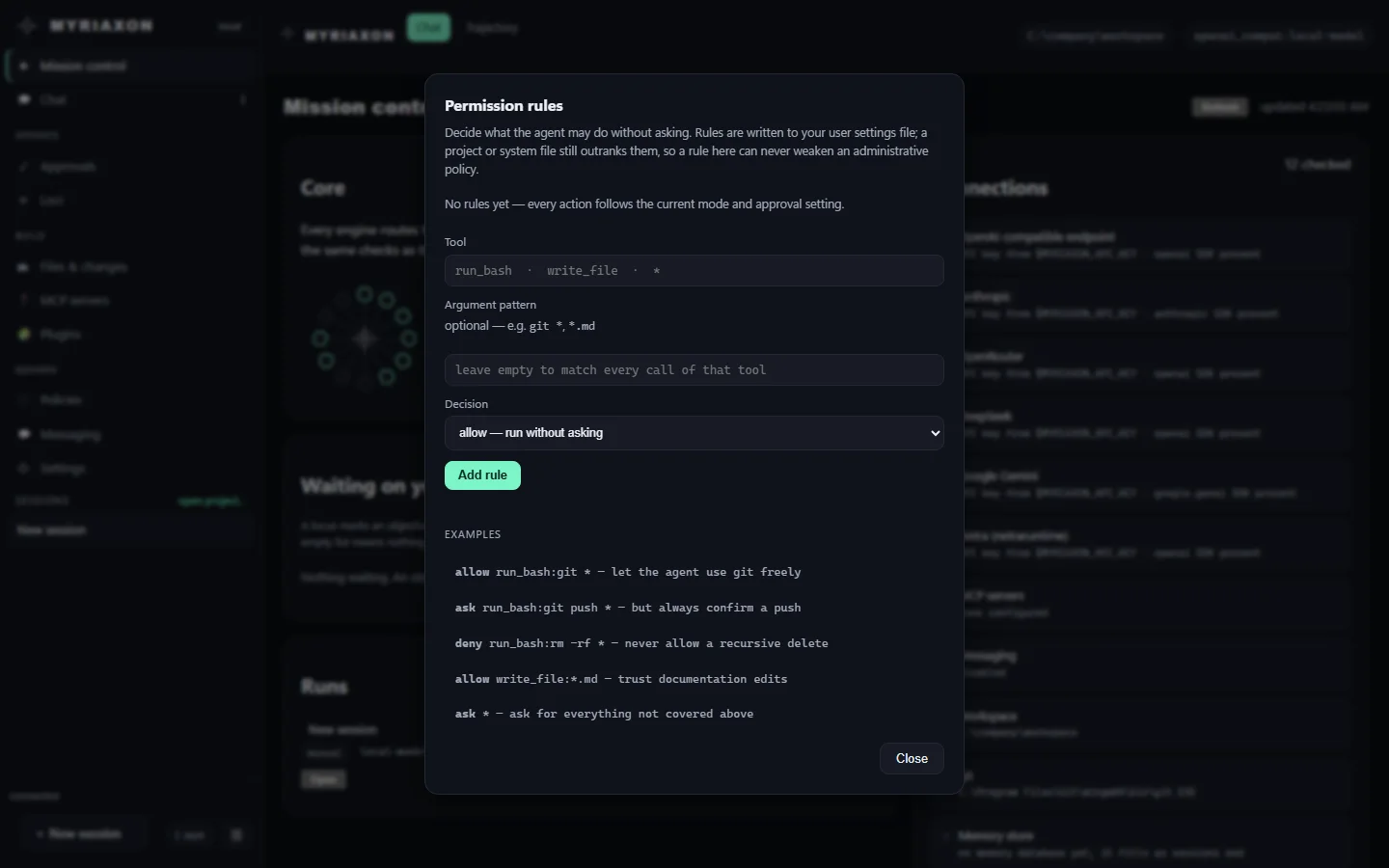
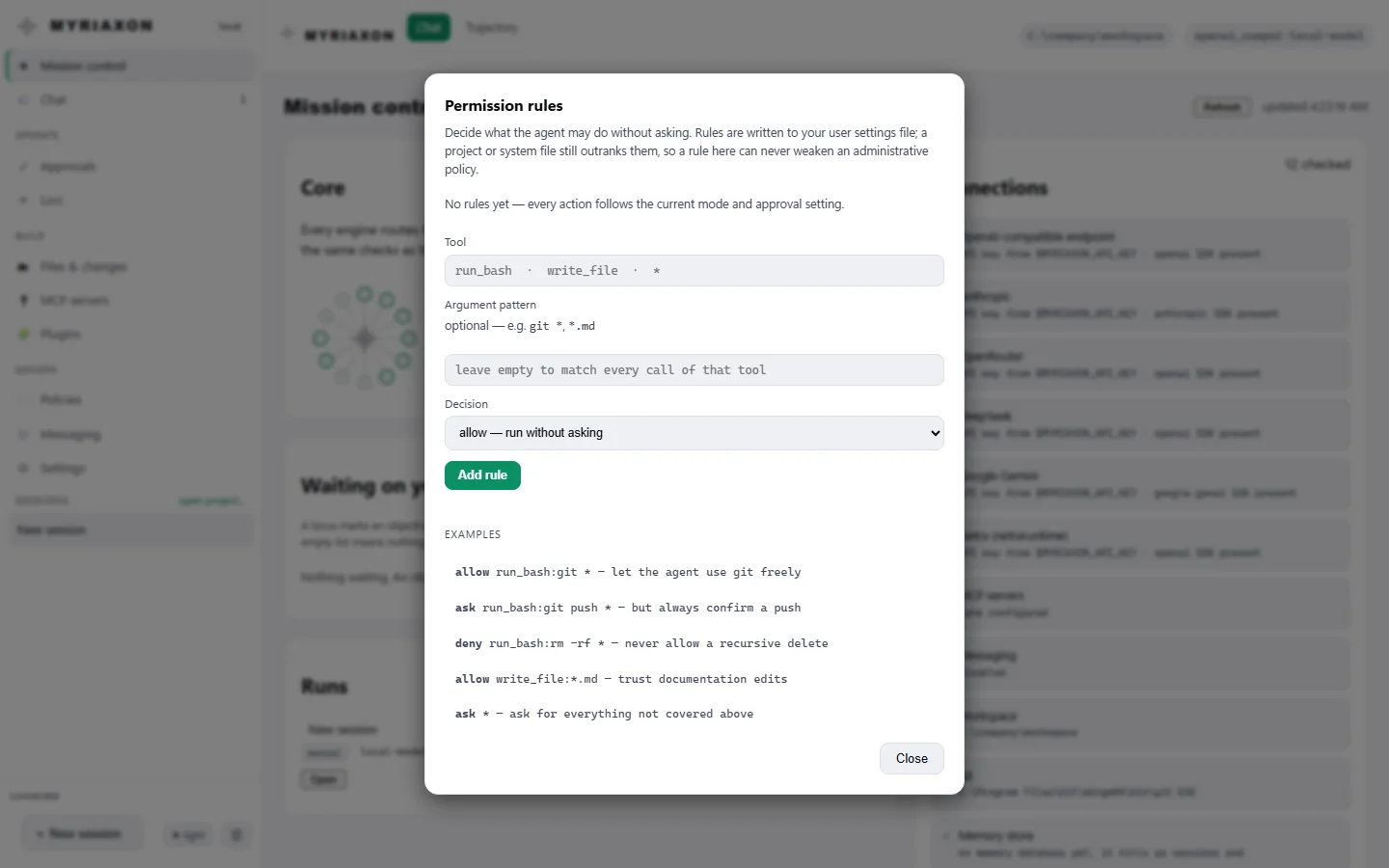
Two more real screens from the dashboard, as it looks on first start with nothing set up.
Where it stops, and where the numbers come from.
- Approval prompts are a terminal feature. The web dashboard cannot answer them, so it runs with automatic approval, and a rule that says ask cannot be answered there. Your never rules still hold.
- Rules cover actions that change things. Allow, ask and never apply to file edits, commands, notebooks and connected tools, not to reading or web search.
- Always-on agents need a running process. They work only while Myriaxon is running on a machine or server you control.
- Ceilings are not money. Limits are counted in steps, time and tokens. A spending limit at your model provider is still sensible.
- A smaller tool list, not a smaller bill. The saving describes the size of the tool list the model reads.
- Scores are yours to run. We do not publish scores for named models. The benchmark is a method we run on your own tasks.
- Tools: 37 built-in, 22 shown at the start, counted from the tool definitions that ship with this version.
- Providers, connectors, benchmark: 6 providers, 18 ready-made connectors and 14 benchmark parameters, counted the same way.
- Ceilings: the default values in the code. They can be changed.
- Behaviour: every behaviour described on this page was checked against the code of the build it describes, not taken from a plan.
Questions.
Is this a hosted service?
No. Myriaxon runs on your own machine or server, from a terminal or a built-in web dashboard, on Windows, macOS or Linux. We build it around your work, deploy it and support it.
Can an always-on agent run up a bill while nobody is watching?
Every run has a ceiling in steps, time and tokens, and an unattended run gets tighter ones than a session with a person. The ceilings are not in money, so a spending limit at your model provider is still sensible.
Does it work without an internet connection?
The dashboard and Mission control make no outside requests, and with a local model through Ollama the harness can run on your own hardware. Tools such as web search and connectors need the network when they are used.
Which AI models can it use?
Six providers are built in (Anthropic, any OpenAI-compatible API, Google Gemini and Vertex AI, DeepSeek, OpenRouter and Netra), and local models run through Ollama or any compatible endpoint. Switching is a setting, so your tools, rules and memory stay where they are.
How is this different from Lighthouse?
Myriaxon is the harness that runs agents. Lighthouse checks, assesses, manages and governs any AI system, including ones that were not built with Myriaxon. It is in early access. They share the IQB-14 standard.
How do we start?
Send us a few lines about the job. We reply by email to arrange a short call.
Want this on your own tasks?
Tell us the job and the systems involved. We reply by email to arrange a short call.